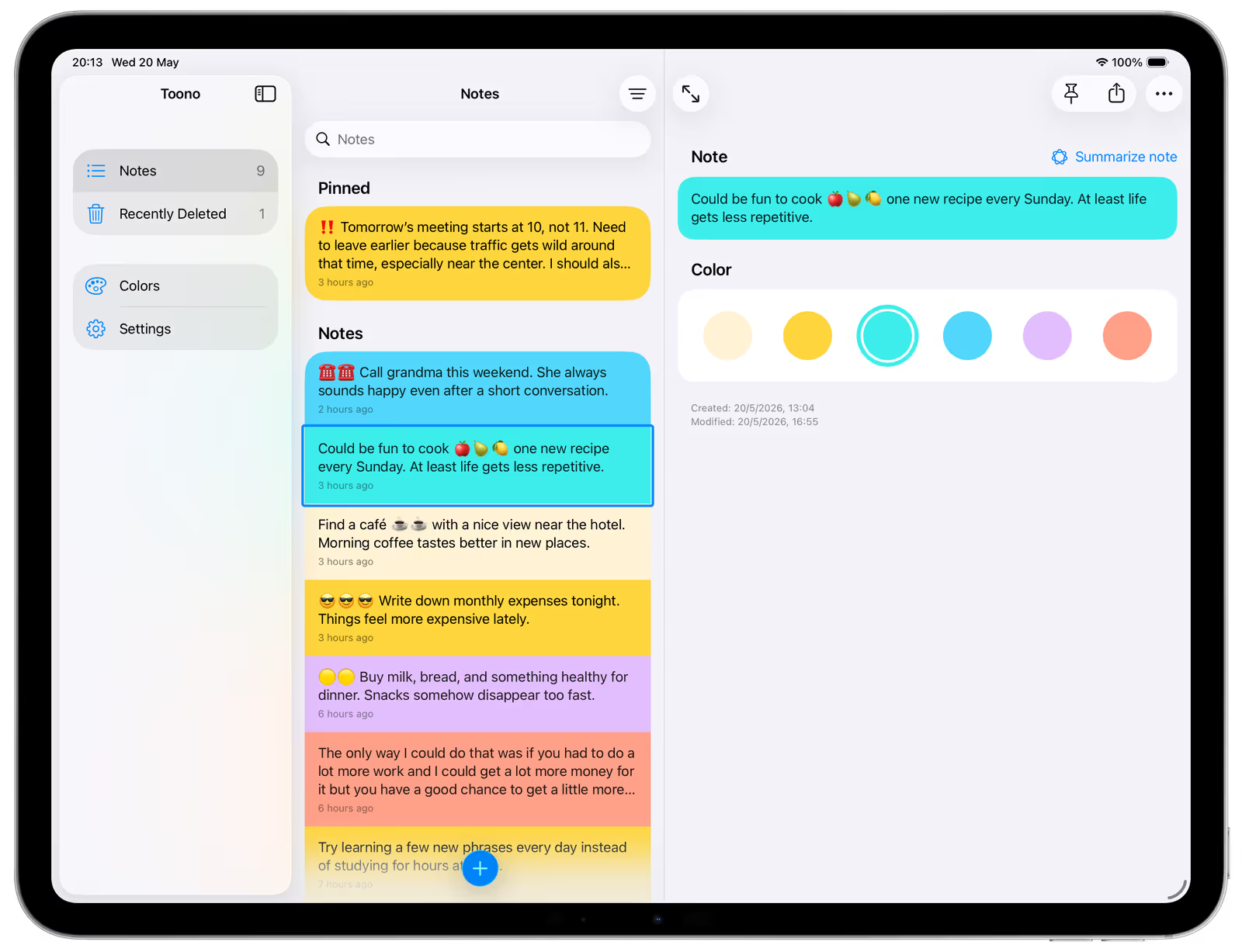
Toono - Notes by Color
Toono helps you organize your notes with color. Turn colors into your own system and shape them into something that fits your way of thinking so you can instantly see and filter what matters most.

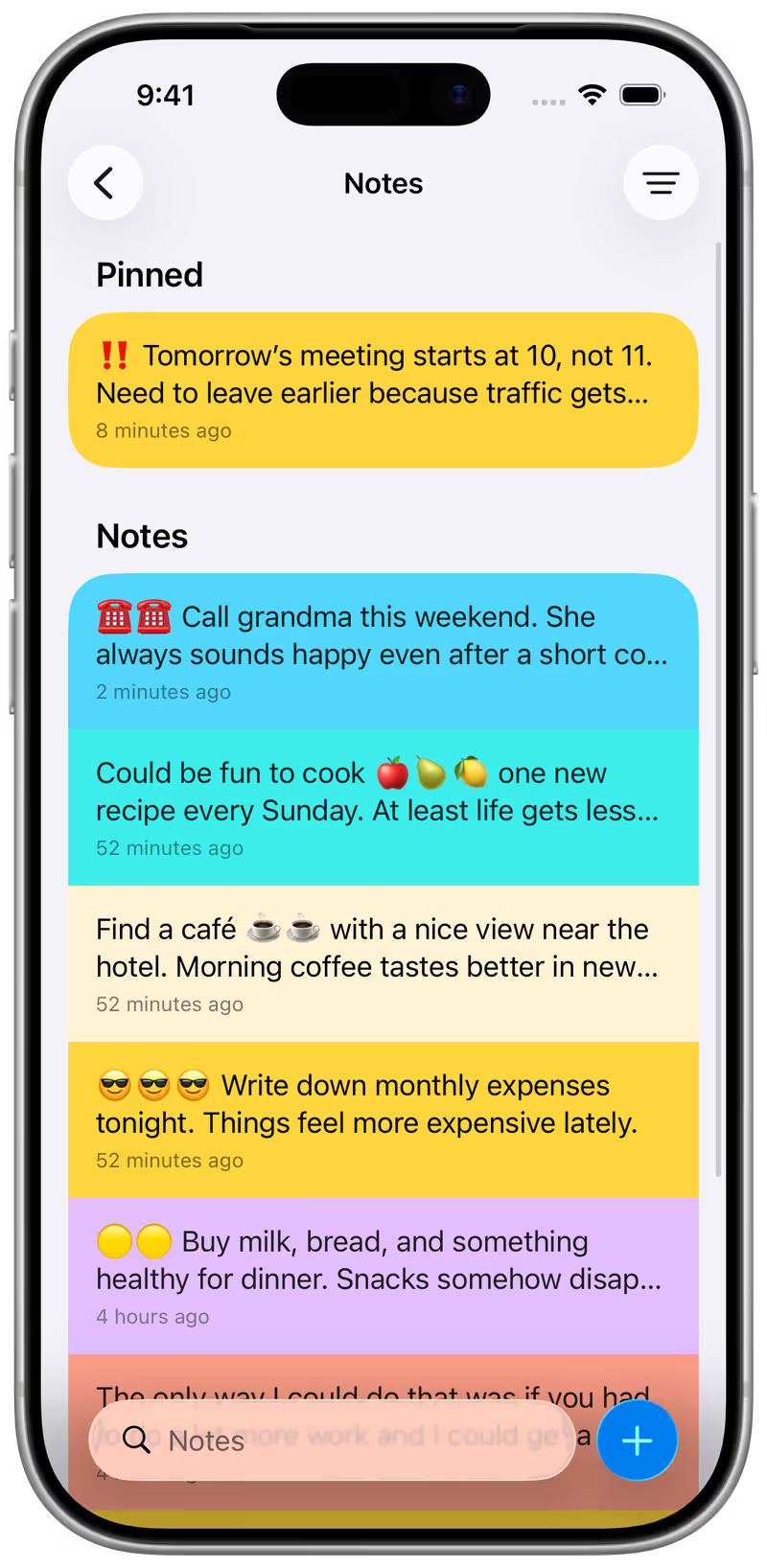
Most note apps rely on folders, tags, or long lists. Toono takes a different approach using color as a simple, visual system that helps you recognize and navigate your notes instantly.
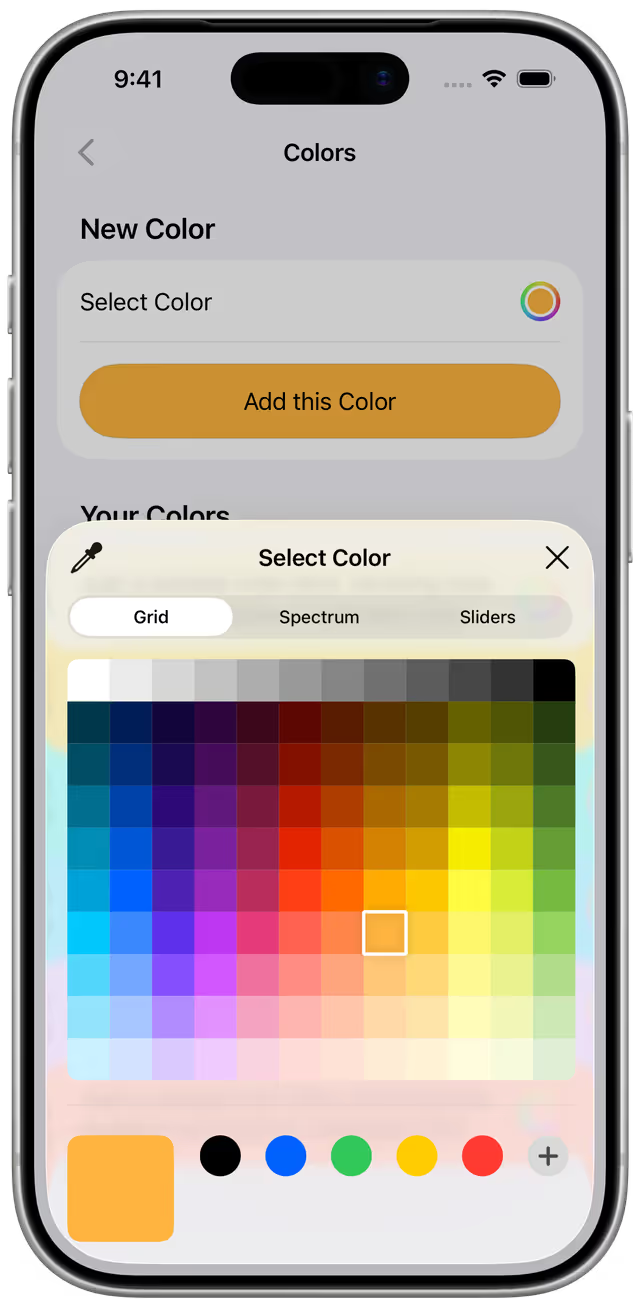
Define your Colors
Select, adjust, and reorder your colors with ease. Build a palette that fits your workflow and reuse it across all your notes.
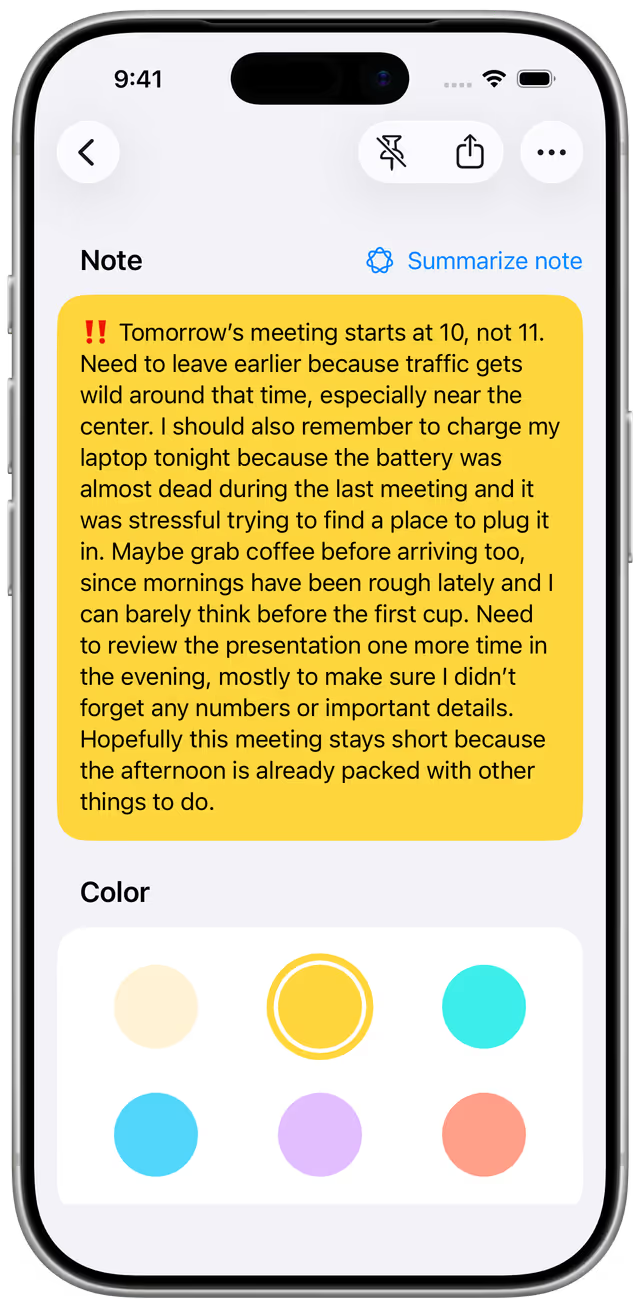
Assign Color to Notes
Give each note a color in a single step. Once assigned, it becomes easy to recognize and filter whenever you need it.
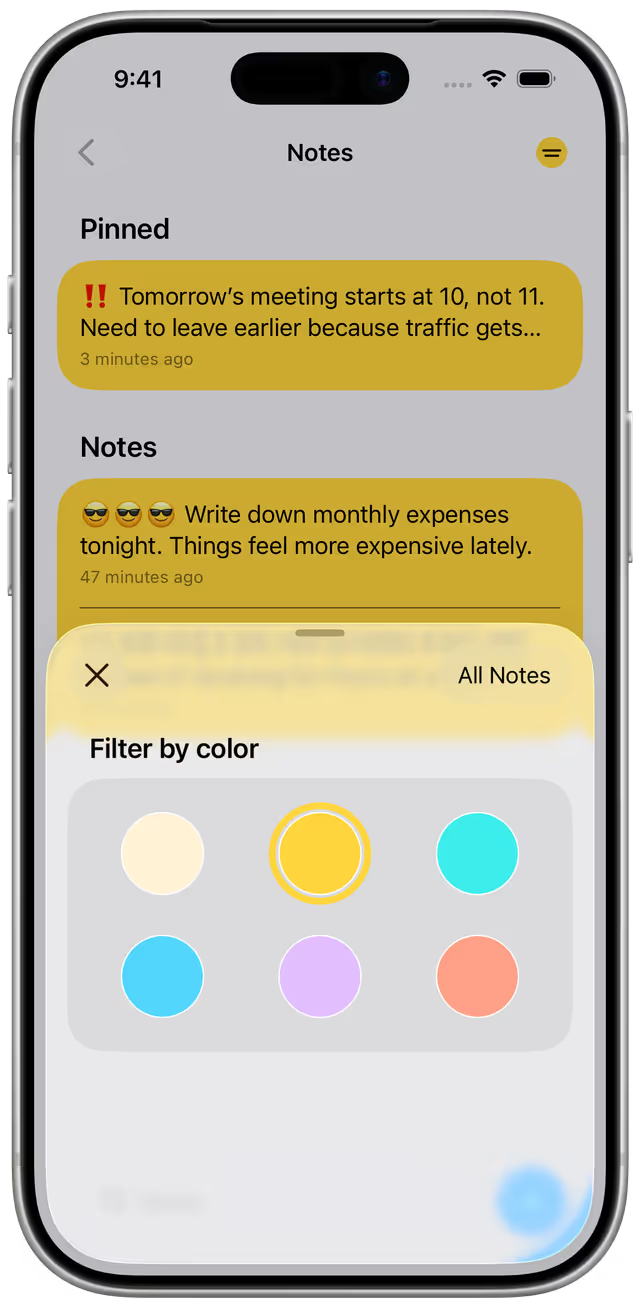
Filter by Color
Focus on what matters by filtering your notes with a single color. Instantly narrow your list and find what you're looking for.
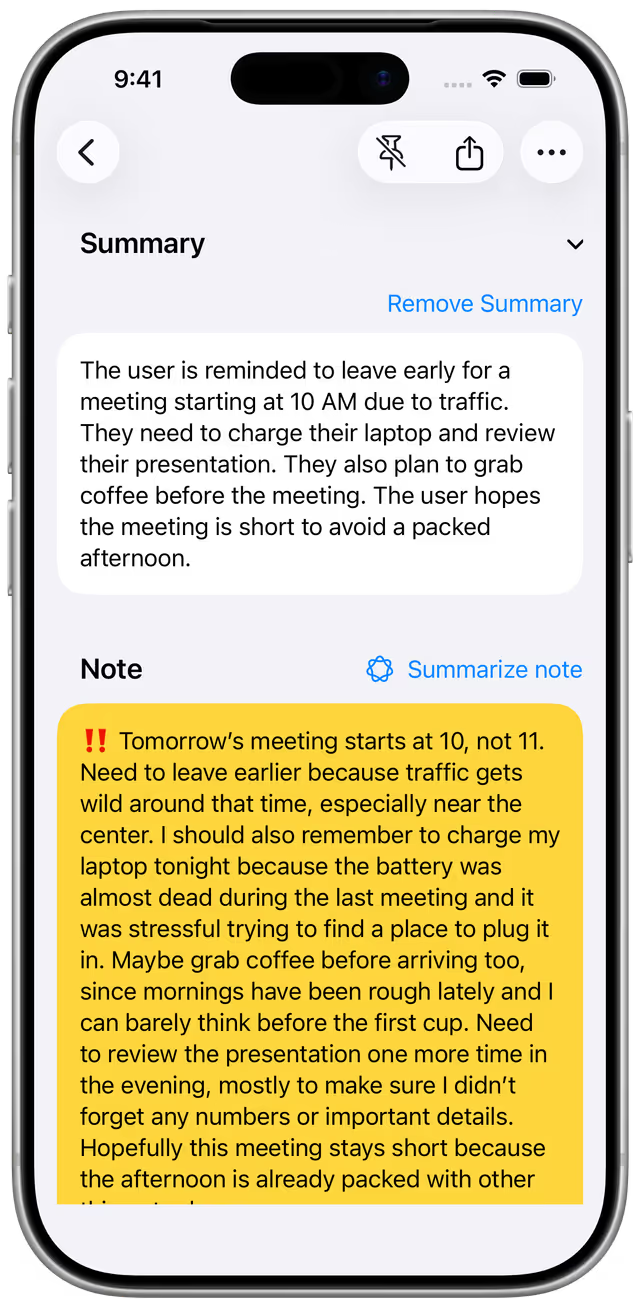
Summarize with AI
Generate quick summaries of your notes using built-in Apple Intelligence. Choose the length that fits short, medium, or long and get the key points instantly.
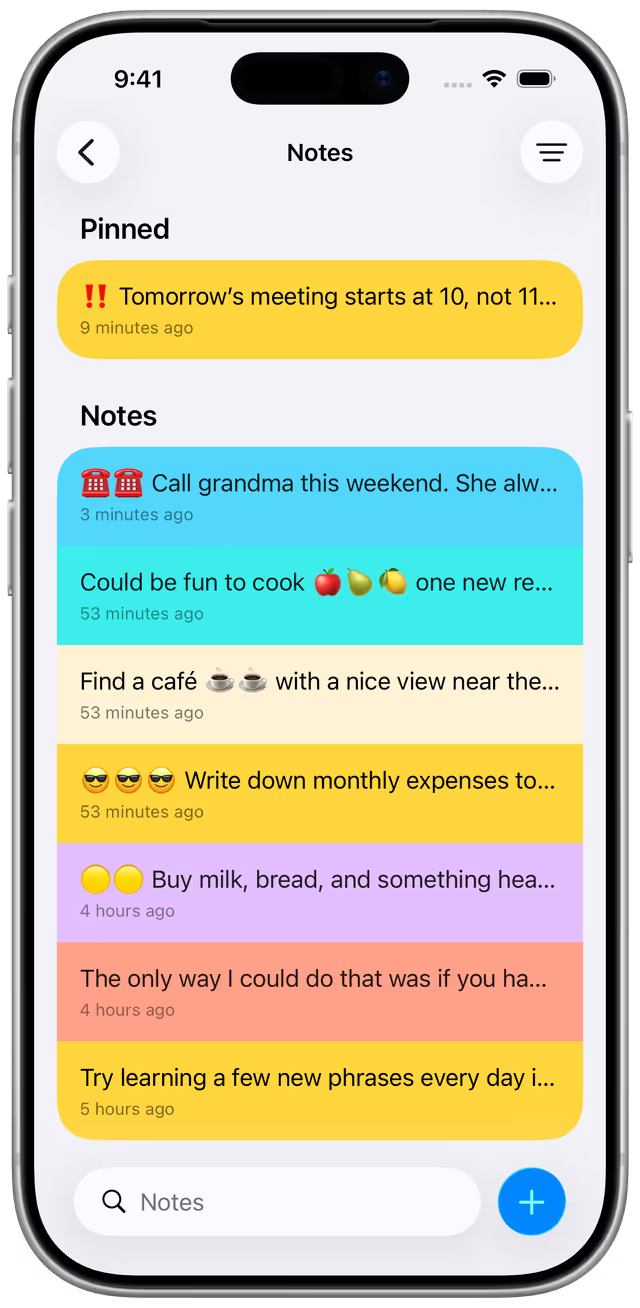
Adjust Note Preview
Choose how many lines each note shows in the list, so you can see more or keep things compact.
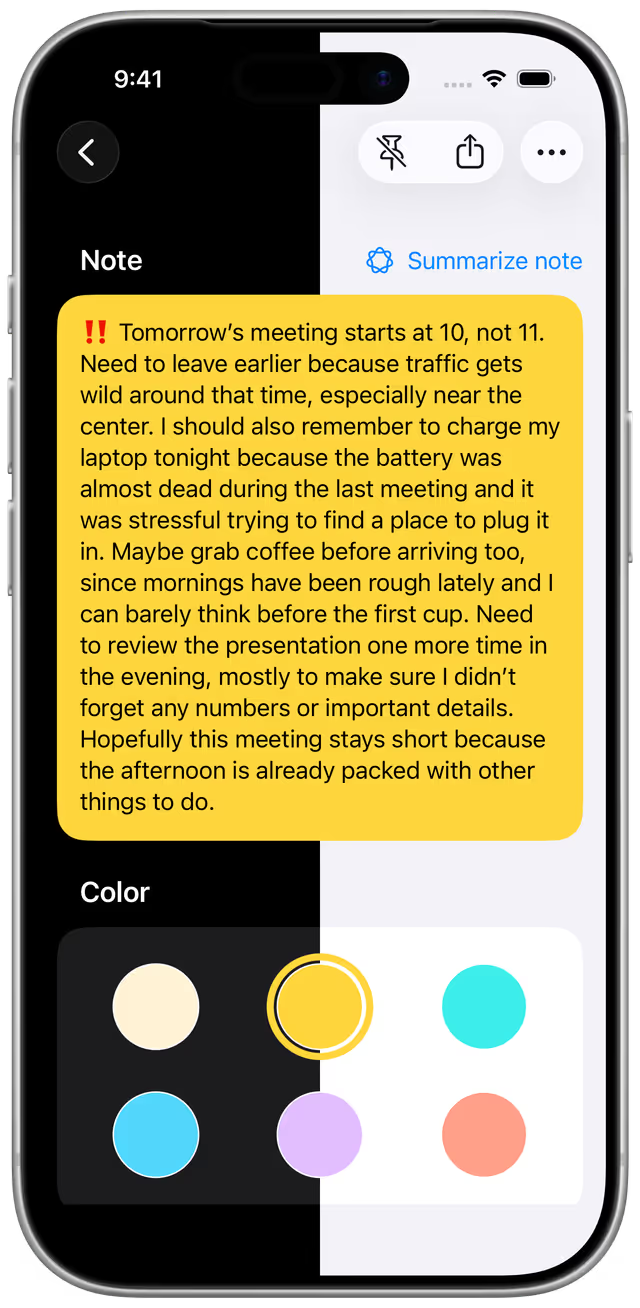
Light and Dark Mode
Switch between light and dark mode to match your preference and environment.
Essential Controls
Search through your notes, pin / unpin notes, keep them in sync with iCloud, share them, switch between light and dark mode, and adjust how many lines each note shows in the list. All designed to stay simple and out of your way.
iPad multicolumn layout